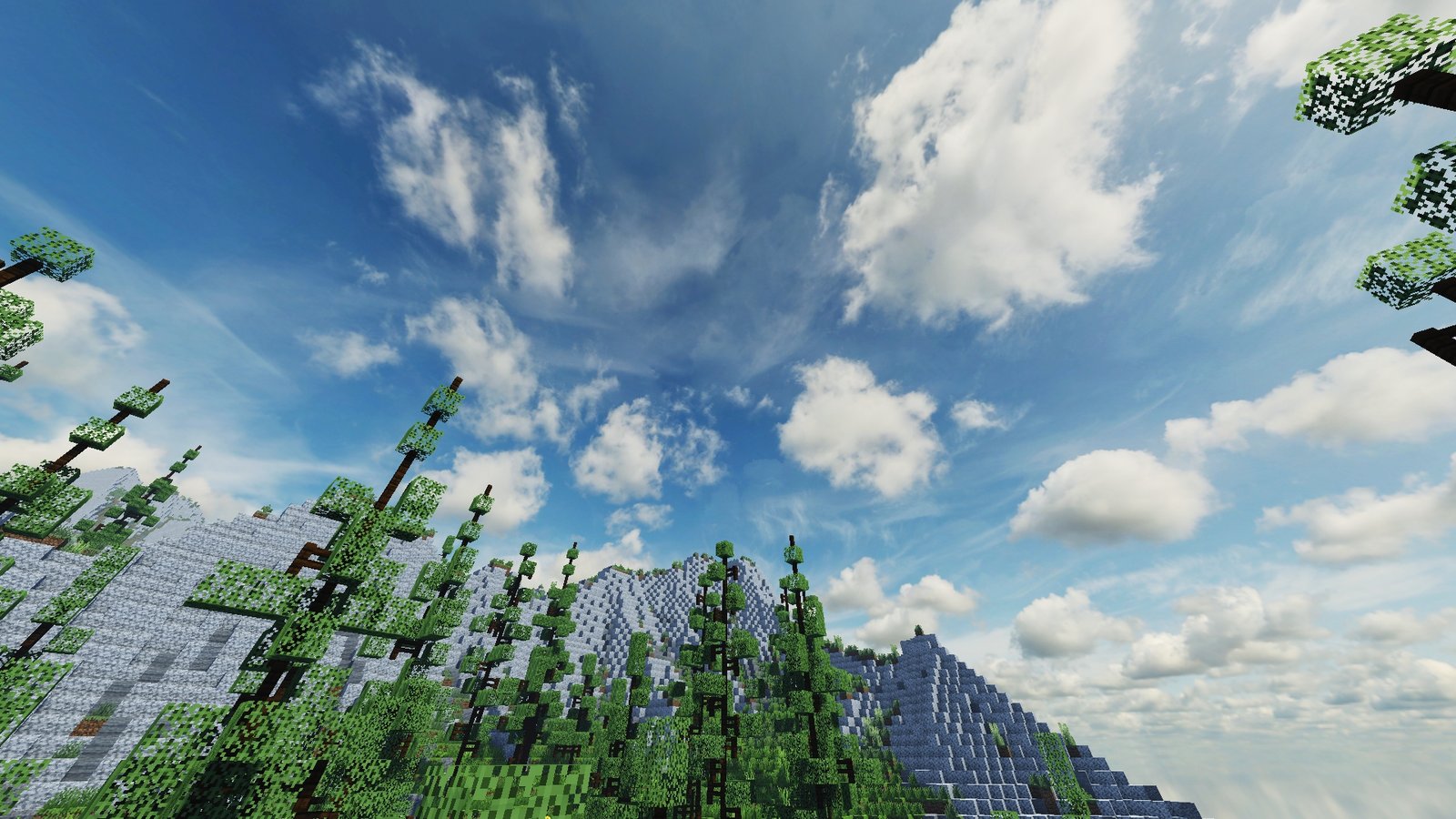
Pyvtron Shaders for Minecraft Java: A Realistic Shader Pack With Big Skies and Vibrant Lighting
Pyvtron Shaders is a Minecraft: Java Edition shader by Pyvton, and its official pages on CurseForge and Modrinth position it as a realism-focused, vibrant shader for Iris. The project description highlights an 8K sky, enhanced water, volumetric light or light-rays, ambient occlusion, fog, and dirty-lens/PBR-style effects.
For players who want Minecraft to look more atmospheric without guessing through random reuploads, Pyvtron is worth a close look because the creator maintains official listings on both major shader platforms. Modrinth lists support across Minecraft 1.16.x through 1.21.x, while the latest CurseForge file currently shown is Pyvtron V1.3.2, released for 1.21.11 on January 3, 2026.
What Pyvtron Shaders changes in Minecraft Java
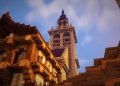
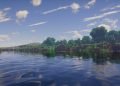
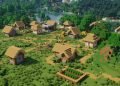
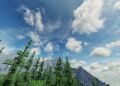
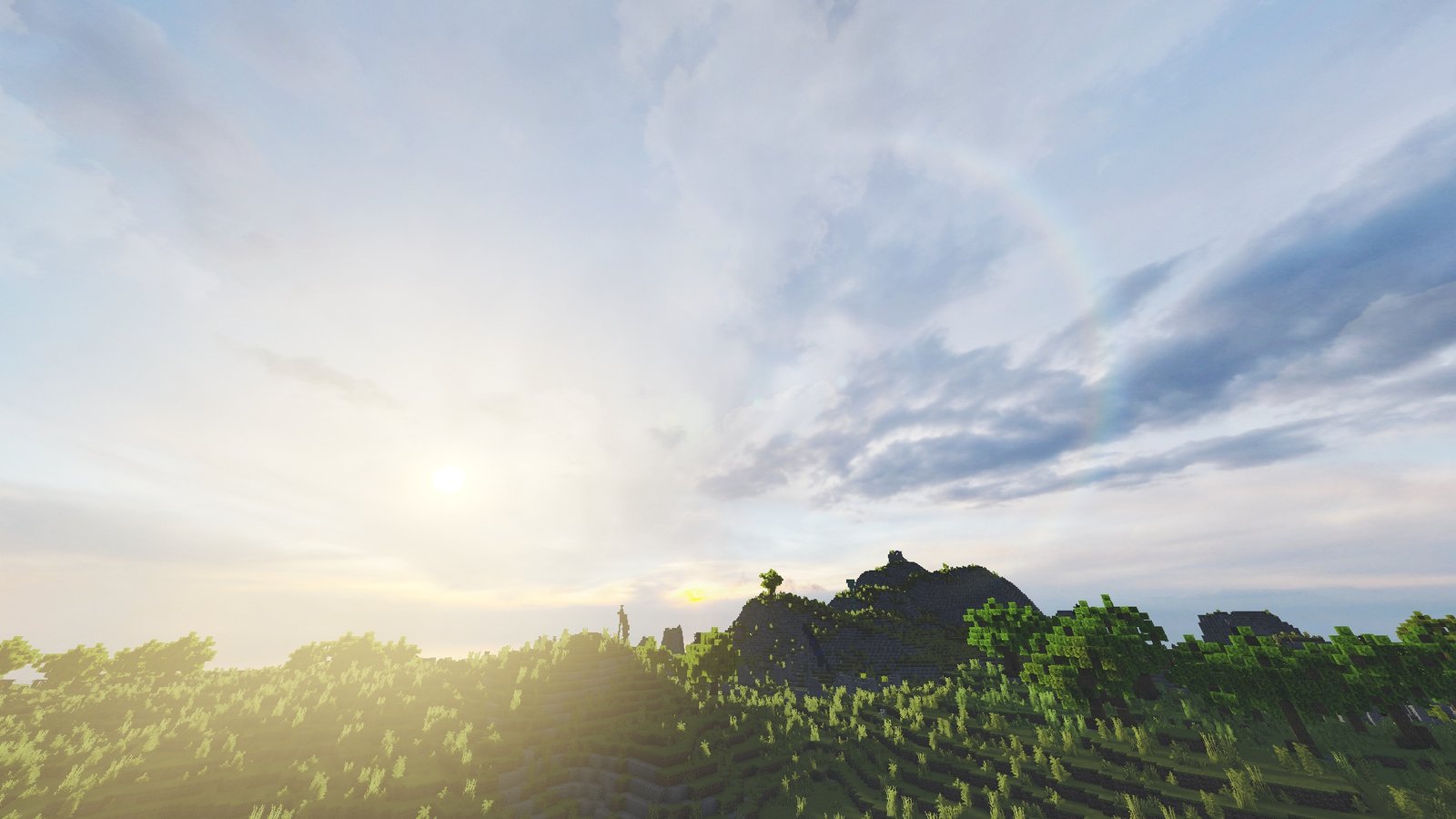
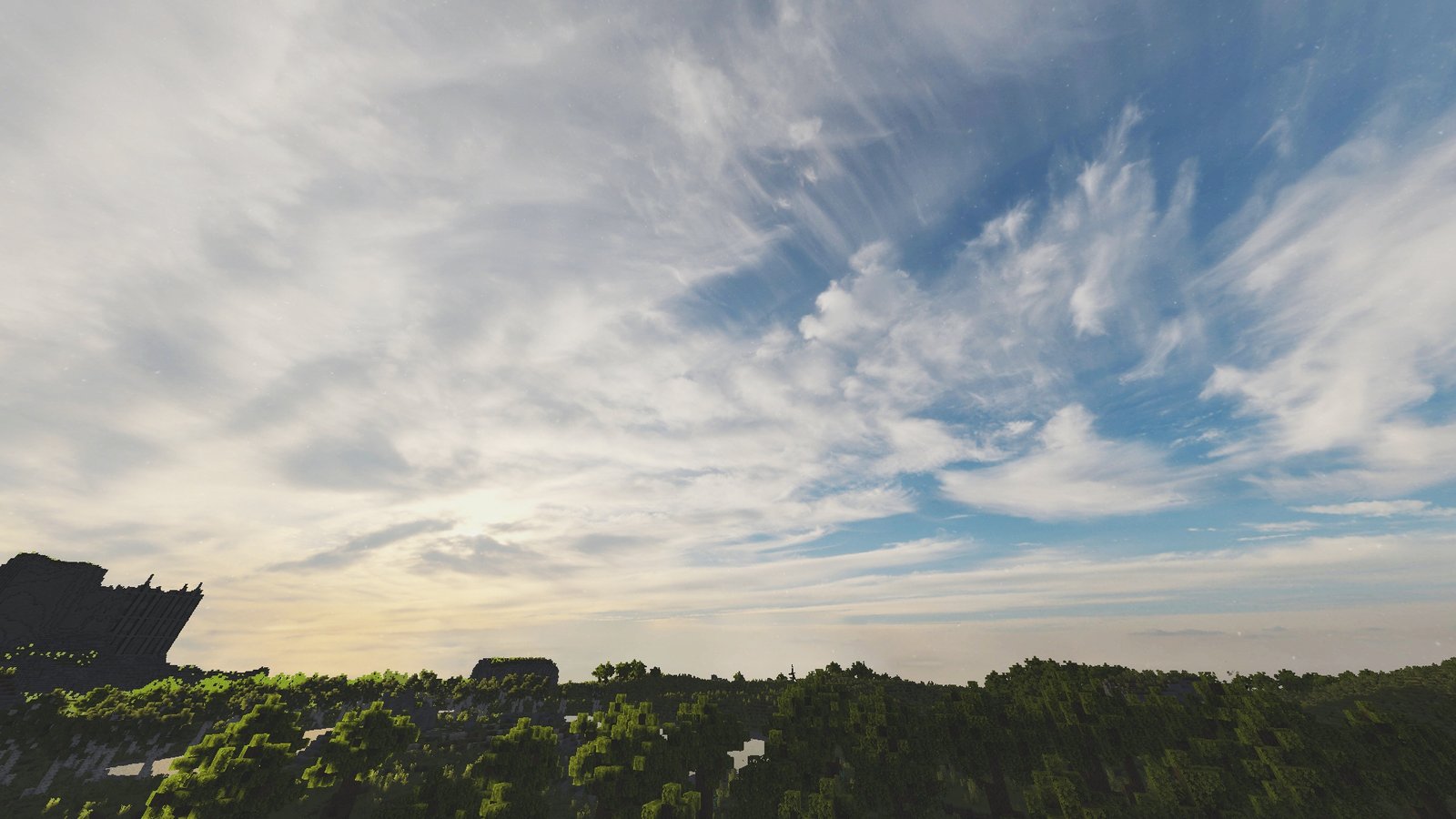
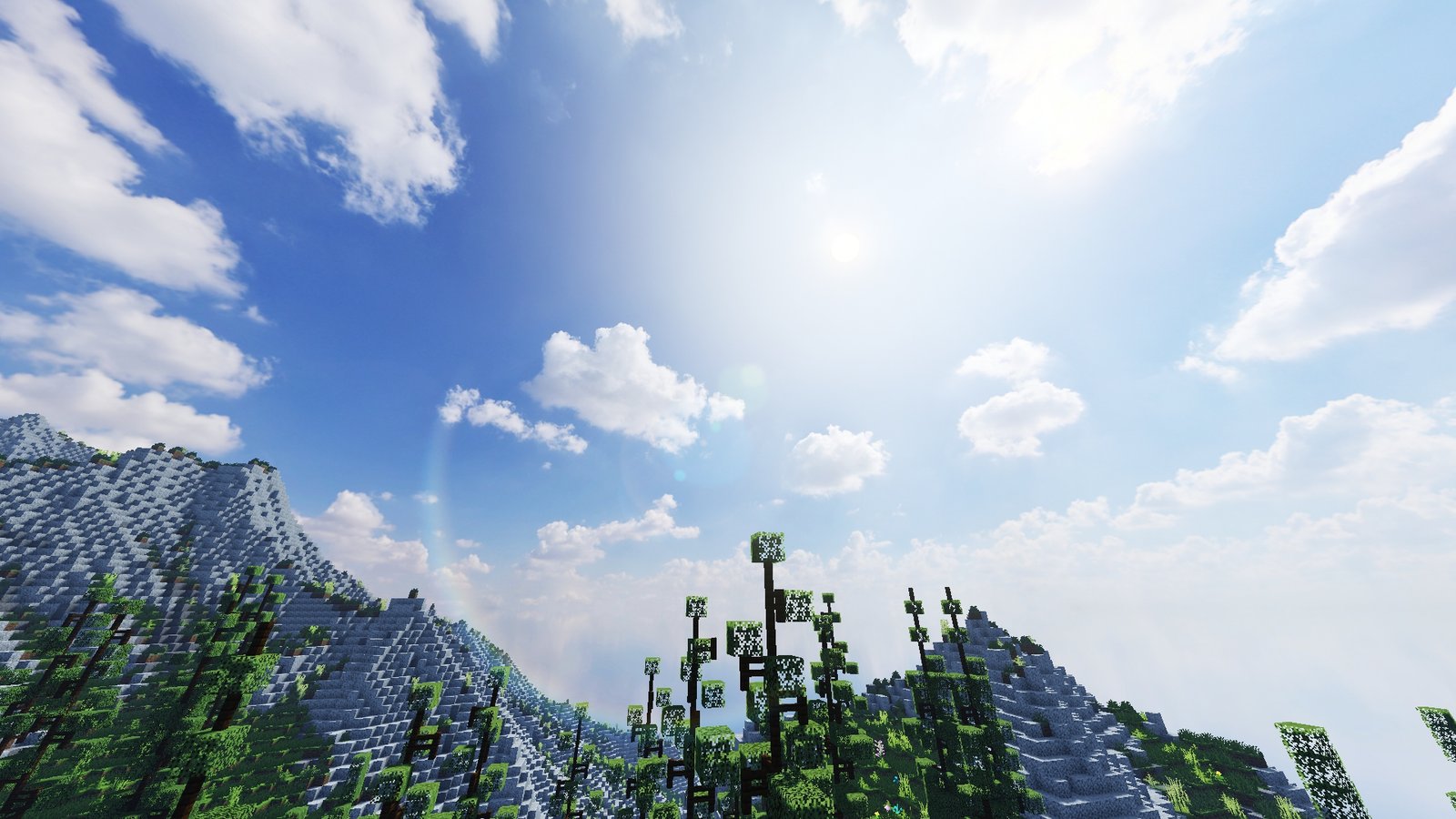
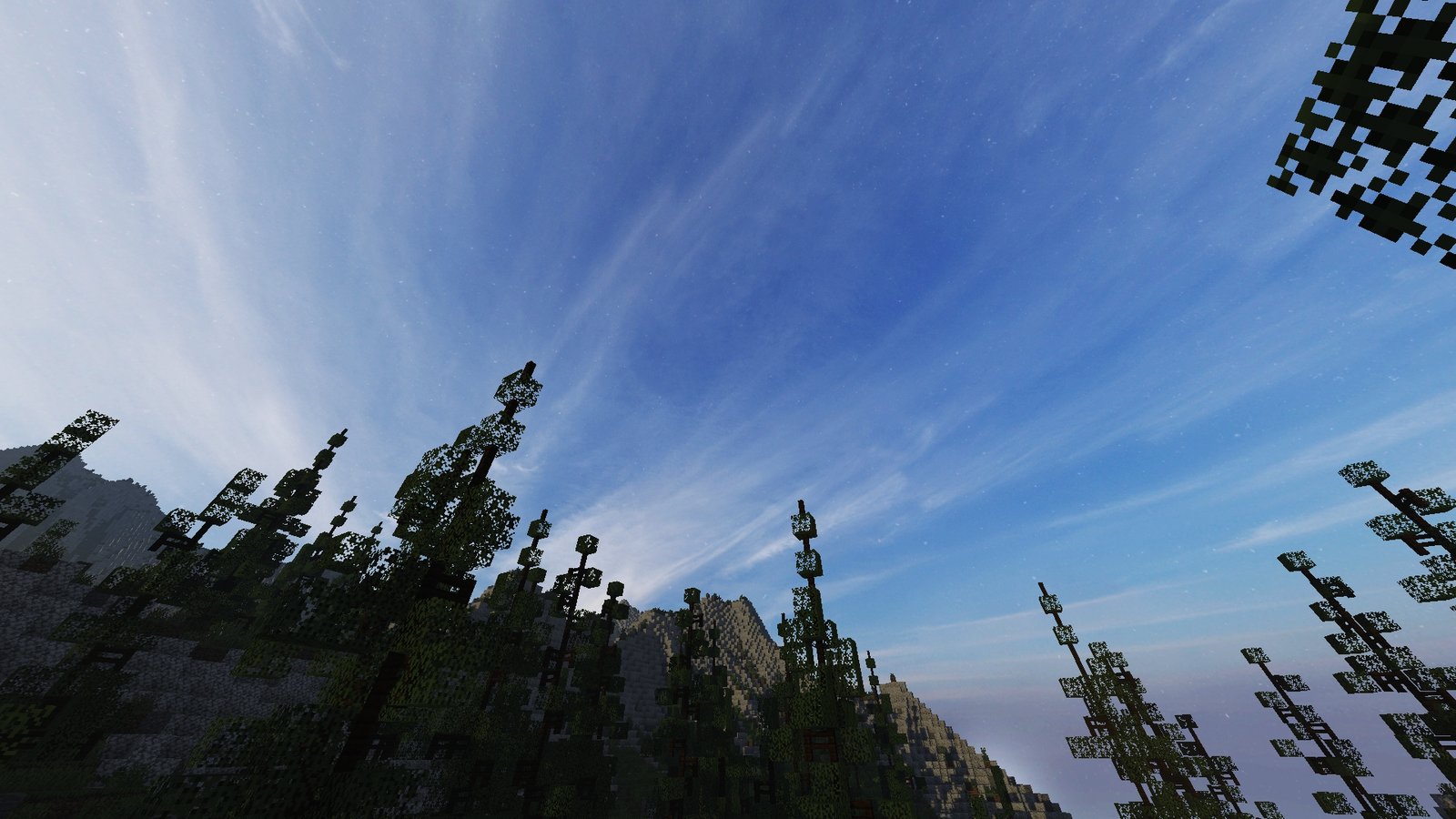
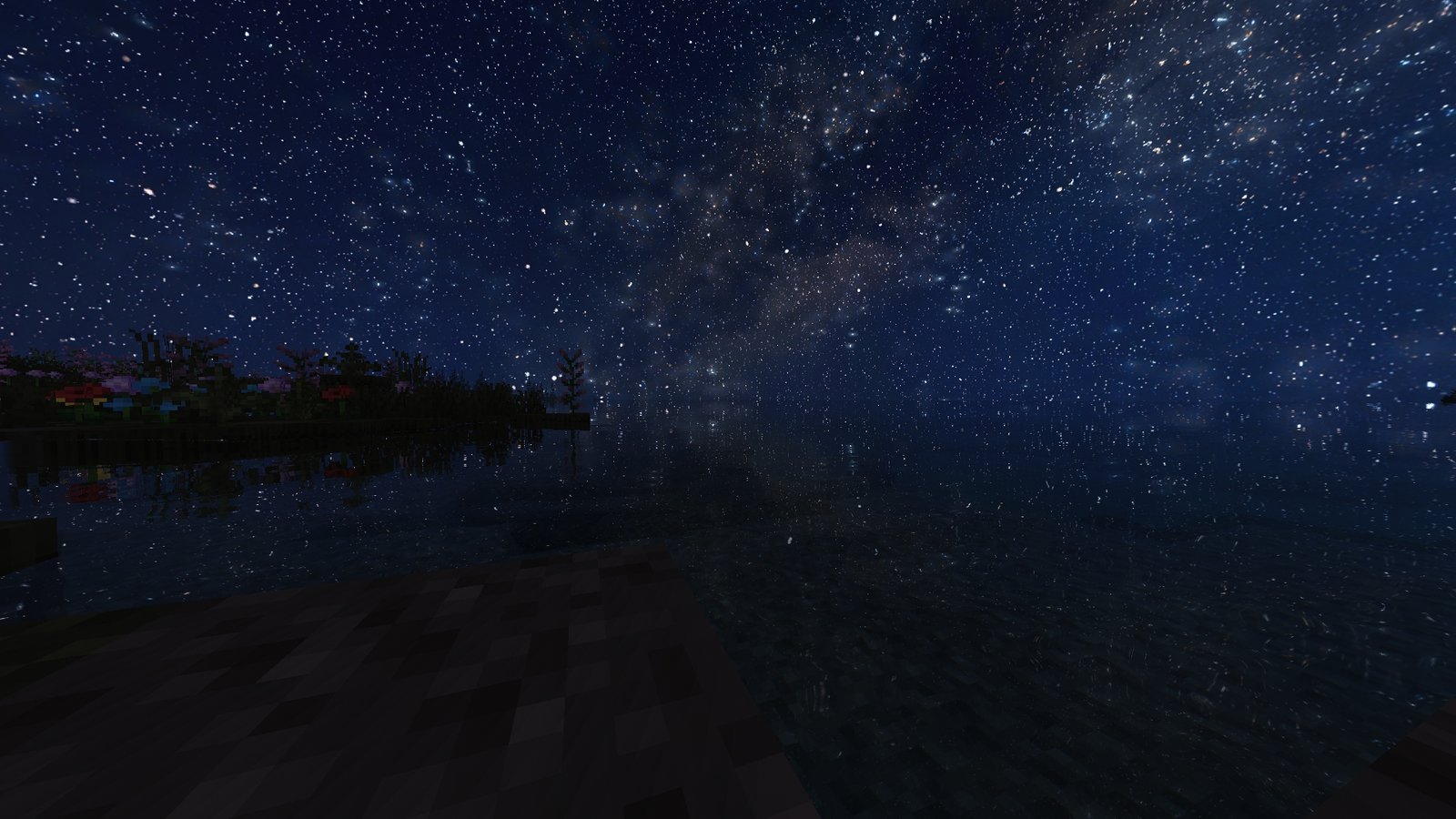
Pyvtron aims to make Minecraft’s world feel brighter, deeper, and more cinematic. The official descriptions emphasize a very high-resolution sky, more attractive water, fog, ambient shading, and stronger lighting effects, while the official gallery shows that the pack leans hard into dramatic skies, reflective water, haze, and scenic long-distance views.
In practical terms, that means sunrise and sunset scenes look fuller, open landscapes feel less flat, and nighttime water scenes become much more eye-catching. That visual direction is an inference from the project’s own screenshots and feature list, but it matches how the shader is presented officially.
Key features of Pyvtron Shaders
1. Large, detailed sky rendering
The creator repeatedly highlights the shader’s 8K sky, which is one of the clearest selling points on both CurseForge and Modrinth.
2. Better water and reflections
The official descriptions mention improved water, and the project page also summarizes Pyvtron as a collection of shaders with custom water.
3. Lighting and atmosphere
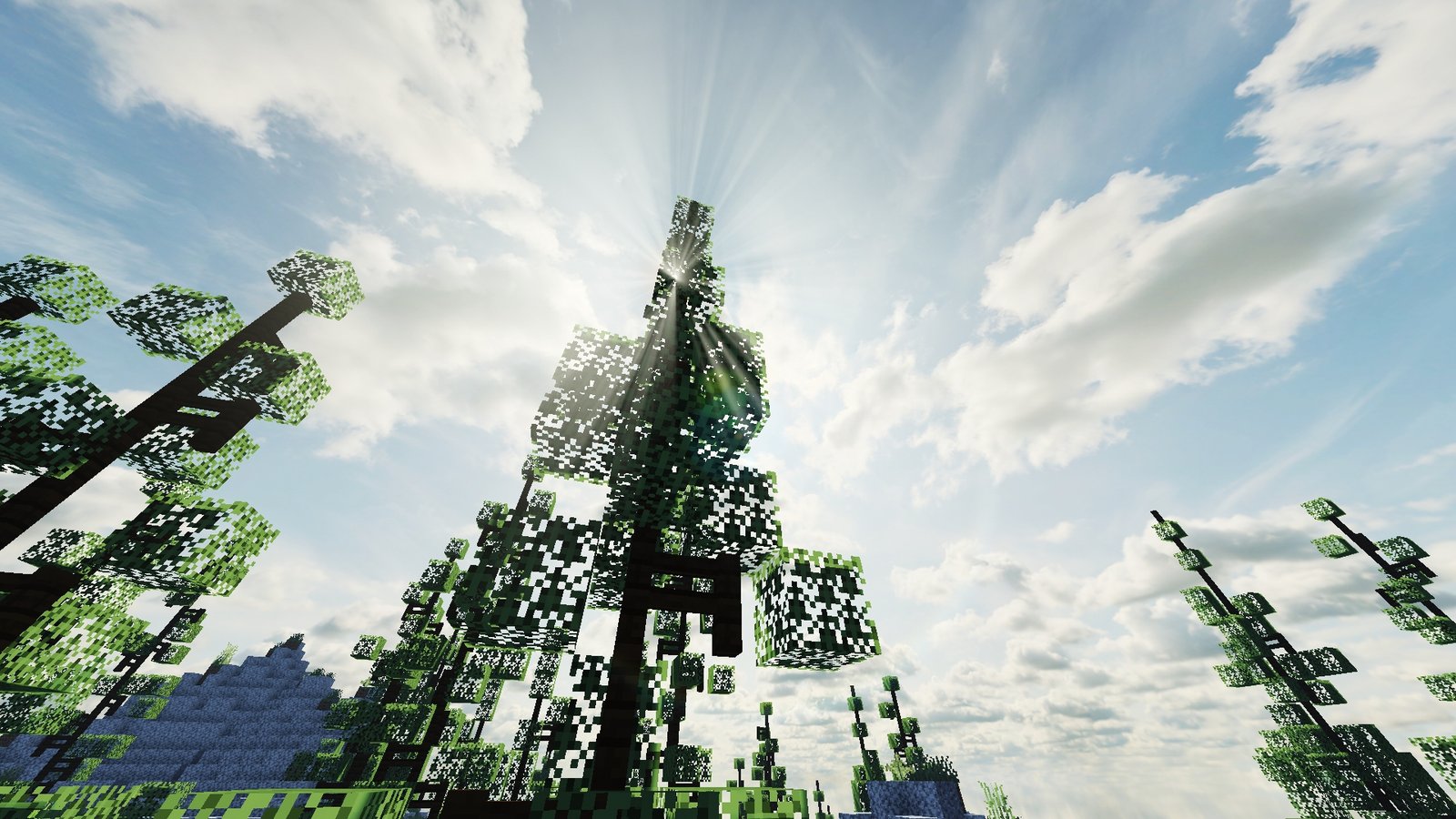
Volumetric light or light-rays, ambient occlusion, and fog are core parts of the shader’s presentation, which explains why the pack’s screenshots focus so much on haze, bright skies, and depth in outdoor scenes.
4. Realistic look without claiming ultra-end hardware only
CurseForge describes Pyvtron as “very vibrant” with “good performance,” and the creator’s project page says the shader collection is built for various GPU setups. That does not guarantee high FPS on every system, but it does support describing Pyvtron as a shader that tries to balance looks with broader usability.
Minecraft version support and requirements
According to Modrinth, Pyvtron Shaders supports Minecraft Java 1.16.x, 1.17.x, 1.18.x, 1.19.x, 1.20.x, and 1.21.x, and the supported platform listed there is Iris. CurseForge’s current main file is Pyvtron V1.3.2 for 1.21.11, with older recent files shown for 1.21.8 and 1.21.5.
The official requirement notes are also pretty specific. The creator recommends an Nvidia or AMD GPU, says Iris is the supported shader mod, and notes that other shader mods are not supported or tested. The hardware notes also warn that Intel systems may be a problem: CurseForge says Intel is not recommended, while Modrinth goes further and says Intel is not compatible. Both pages also mention the need for OpenGL 4.x support.
That means the safest advice for readers is simple: run Pyvtron on Minecraft Java with Iris, on a system with a modern dedicated GPU, and treat Intel-heavy or lower-end setups as something to test carefully rather than assume. That final recommendation is an inference from the project’s official requirement notes.
Is Pyvtron worth using?
If you want a Minecraft Java shader that pushes skies, water, atmosphere, and bright scenic lighting, Pyvtron looks like a solid choice. The regular Pyvtron pack appears to sit below Pyvtron VX in complexity, because the creator describes VX as the more detailed and more realistic option. That makes standard Pyvtron easier to frame as the more approachable starting point for many players, though that part is an interpretation rather than an official performance ranking.
The biggest reason to keep expectations realistic is hardware variance. The creator markets the shader as visually rich and performance-conscious, but there is no universal FPS promise, and the Intel compatibility warning matters. So the best conclusion is that Pyvtron is promising for players who want realism and atmosphere, but it is still smart to test it on your own PC.
How to install the Pyvtron Shaders
- Install OptiFine or Iris: Download and install OptiFine or Iris to enable shader support in Minecraft.
- Download The Shaders: Obtain the shader pack from the official links provided below.
- Place in Shaderpacks Folder: Move the downloaded shader pack file to the
.minecraft\shaderpacksdirectory. - Activate in Minecraft: Launch Minecraft, go to Options > Video Settings > Shaders, and select The Shaders from the list.

✅ None of the files are hosted on our server. All direct download links on our website are official authors links. The packs are free of viruses. Therefore, they are completely safe and secure.
✅ Please share this post on social media.
✅ Are there any thoughts you’d like to share? Please write a comment and rate the pack.