FullBright Texture Pack for Minecraft Java Edition
If you want Minecraft Java Edition to feel easier to read in dark places without changing the whole look of the game, FullBright is one of the simplest packs to look at. The verified project page lists it as FullBright by Beyonderboi on CurseForge, where it is categorized as a resource pack in the 16x and Miscellaneous categories. The latest official file currently listed there is for Minecraft 1.20.1.
What FullBright is
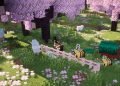
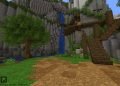
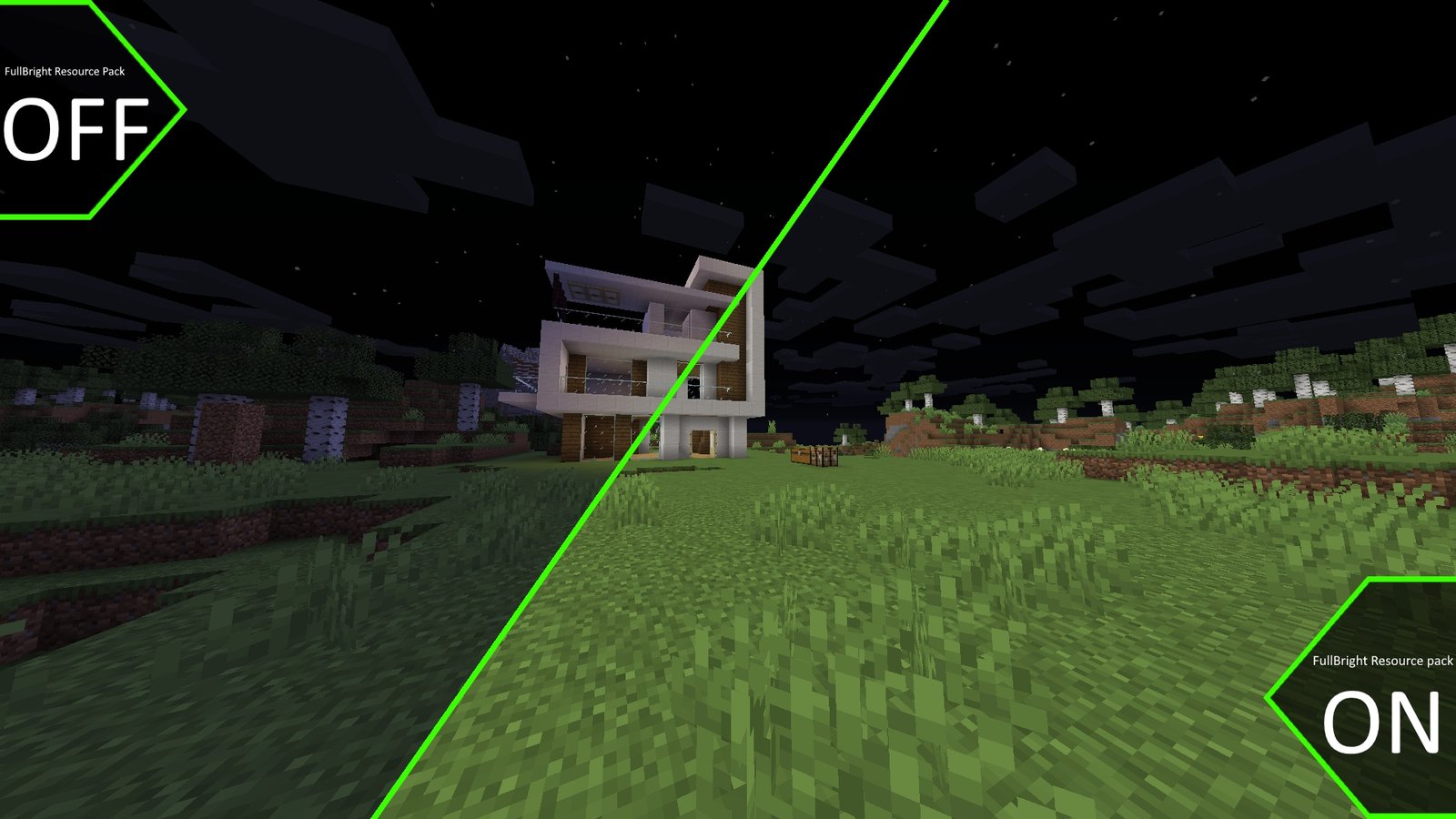
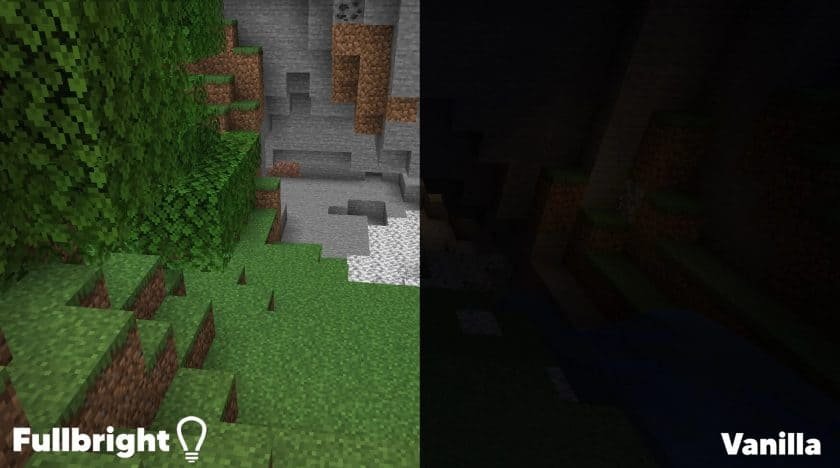
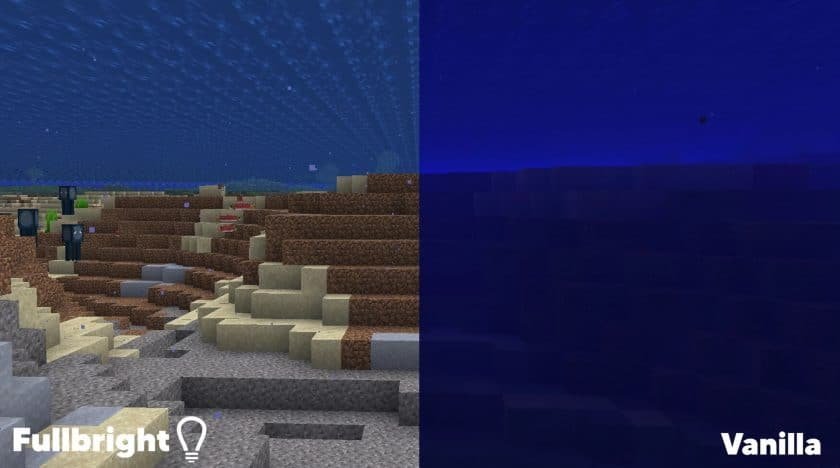
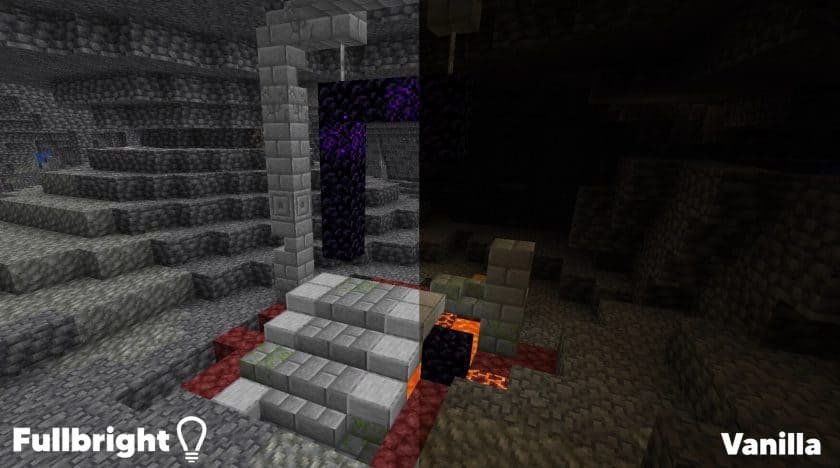
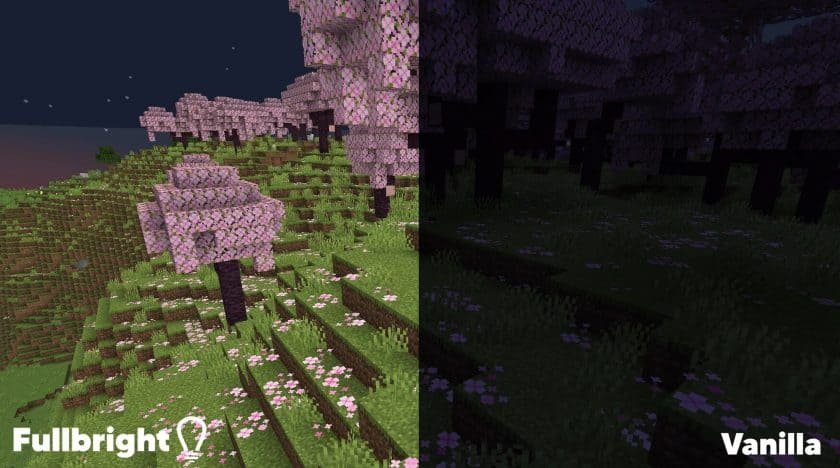
FullBright is a Minecraft Java resource pack built to make dark areas much easier to see. On its CurseForge description, the creator says the pack changes light levels so your player can see clearly, including in places like the Nether and the End. The gallery also labels its comparison image as “FullBright lightmap vs. default lightmap,” which makes it clear that the pack is centered on brightness rather than a full texture overhaul.
Who made it
The creator listed on the official project page is Beyonderboi. The same name appears on the project page, the file page, and the creator’s CurseForge profile, which also shows FullBright as one of Beyonderboi’s published resource-pack projects.
What makes FullBright stand out
What makes FullBright useful is how focused it is. It is not trying to become a shader pack, overhaul block art, or add a lot of extra visual effects. It keeps the pack at 16x and focuses on visibility. The creator also notes that Night Vision particles are not included, which matters if you like the brighter look but do not want the swirly potion effect on your screen all the time.
That makes it appealing for players who spend a lot of time underground, explore at night, or just do not want caves and darker biomes to feel hard to read. It is a very targeted pack: the goal is simply to make Minecraft brighter while keeping the game recognizable.
Key features explained in a relatable way
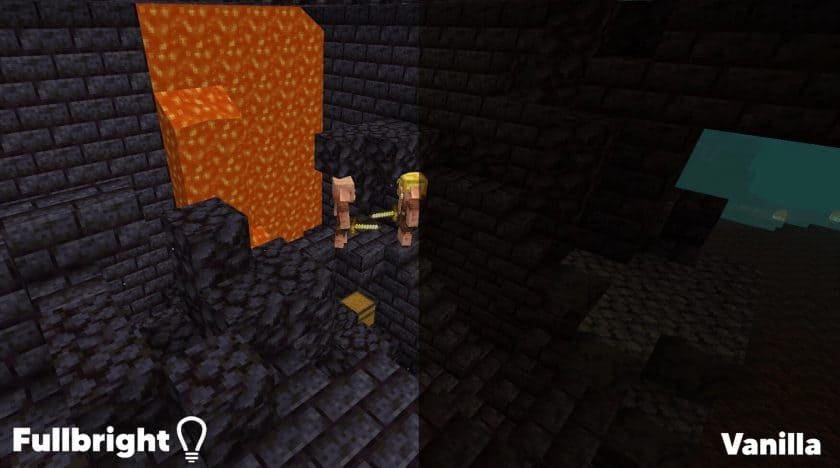
The biggest feature is straightforward: you can see more without depending on torches or the Night Vision effect just to understand your surroundings. In normal play, that means caves, nighttime terrain, and darker dimensions are less frustrating to navigate. The creator specifically says the pack helps you see clearly even in the End and Nether.
Another practical detail is that the pack uses separate downloadable files for many Minecraft version ranges instead of pretending one file fits everything. That is useful because resource-pack support changes across game versions, and FullBright’s files page reflects that with version-specific releases.
The creator also says that many servers allow FullBright because it does not provide much of an advantage, but that should never be treated as a universal rule. Server policies vary, so it is still smart to check each server’s rules before using it online.
Supported versions and platform details
Based on the official CurseForge Files page, FullBright has version-specific Java files ranging from 1.6.1–1.8.9 up through 1.20.1, including releases for 1.9–1.10.2, 1.11–1.12.2, 1.13–1.14.4, 1.15–1.16.1, 1.16.2–1.16.5, 1.17, 1.18.x, 1.19.x, and 1.20.x. The newest official file shown is 1.20.x, uploaded on July 26, 2023, and marked for 1.20 and 1.20.1.
There is one important detail to handle carefully: the visible project description still contains older wording that says “OPTIFINE IS REQUIRED” and “You can use this in versions 1.7 – 1.17!” even though the official files page clearly lists newer files up to 1.20.1. Because that written description and the files list do not fully match, the safest approach is to trust the version-specific files page first and download the file that matches your exact Minecraft version.
As for other tools, I did not find any official project-page note that explicitly confirms support for Iris, Fabric, Forge, or NeoForge. The only explicit compatibility note on the official description is the OptiFine requirement mentioned above.
Who FullBright is best for
FullBright is best for players who want better visibility without changing Minecraft into something unrecognizable. It makes the most sense for:
Players who spend a lot of time mining and caving.
Survival players who dislike fighting in near-black areas.
Builders who work at night and want a clearer view of their world.
Players who like the effect of Night Vision but do not want its particles on screen.
It is less about visual style and more about comfort and clarity.
Conclusion
The verified official version of this pack is FullBright by Beyonderboi, published on CurseForge as a 16x Minecraft Java resource pack. Its main purpose is very clear: brighten dark areas so the game is easier to read, including places like caves, the Nether, and the End. The latest official CurseForge file currently listed is for Minecraft 1.20.1, and the project also includes many older Java-version downloads through separate files.
How to install FullBright Texture pack
- Download and install OptiFine.
- Download the texture pack that is compatible with your game version and Minecraft edition.
- Launch Minecraft.
- Click on “Options” in the main menu.
- In the options menu, go to the submenu “Resource Packs”.
- Click on “Open Pack Folder” at the bottom left.
- Move the downloaded ZIP file into your resourcepacks folder.
- You will see the pack on the left half of the resource pack screen.
- Move the cursor to the pack logo and click the arrow pointing to the right.
Click on “Done”.
✅ None of the files are hosted on our server. All direct download links on our website are official authors links. The packs are free of viruses. Therefore, they are completely safe and secure.
✅ Please share this post on social media.
✅ Are there any thoughts you’d like to share? Please write a comment and rate the pack.