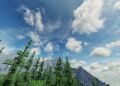
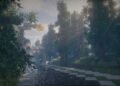
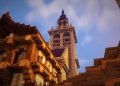
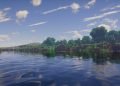
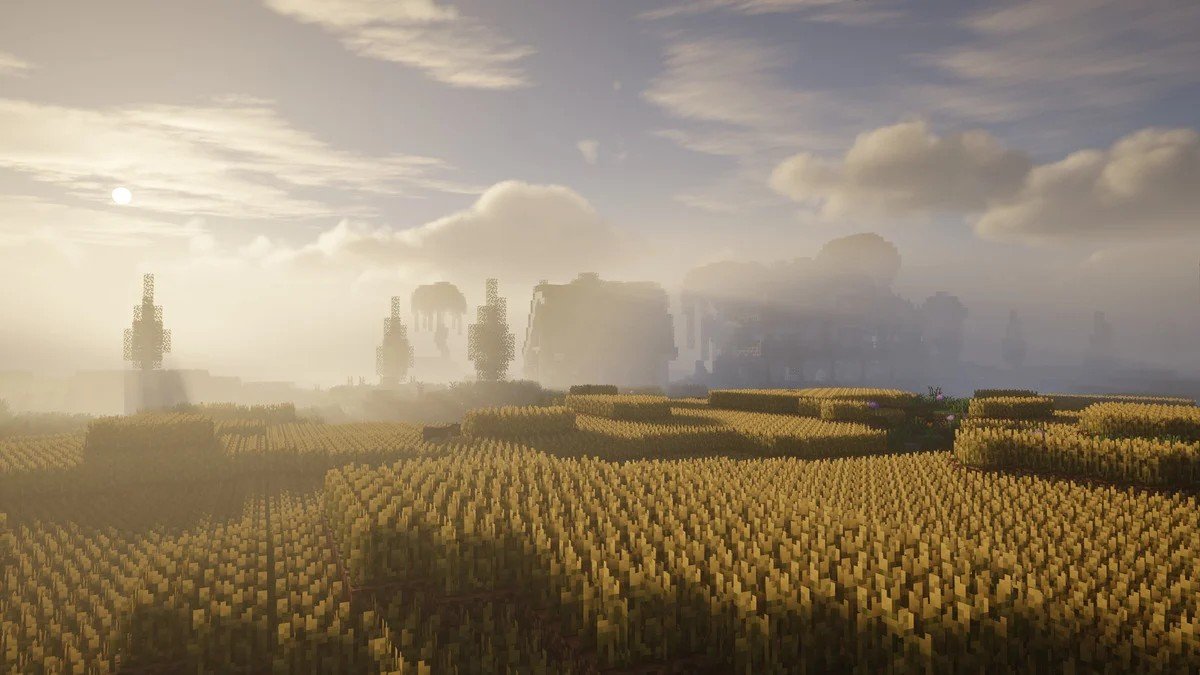
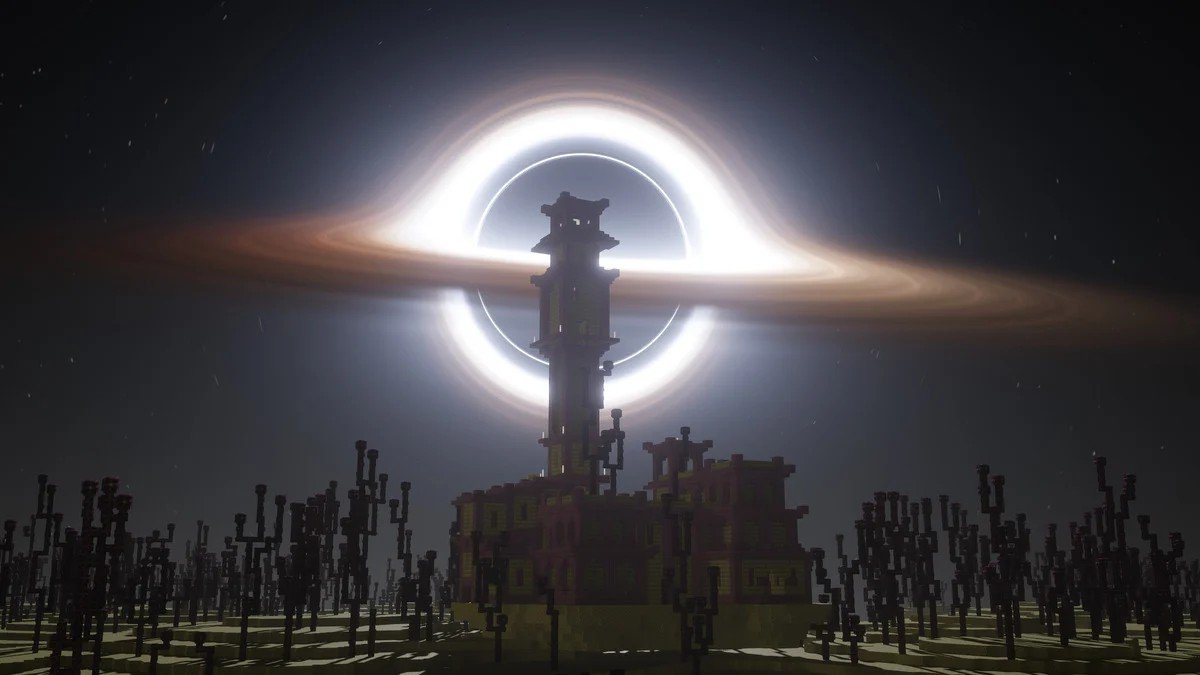
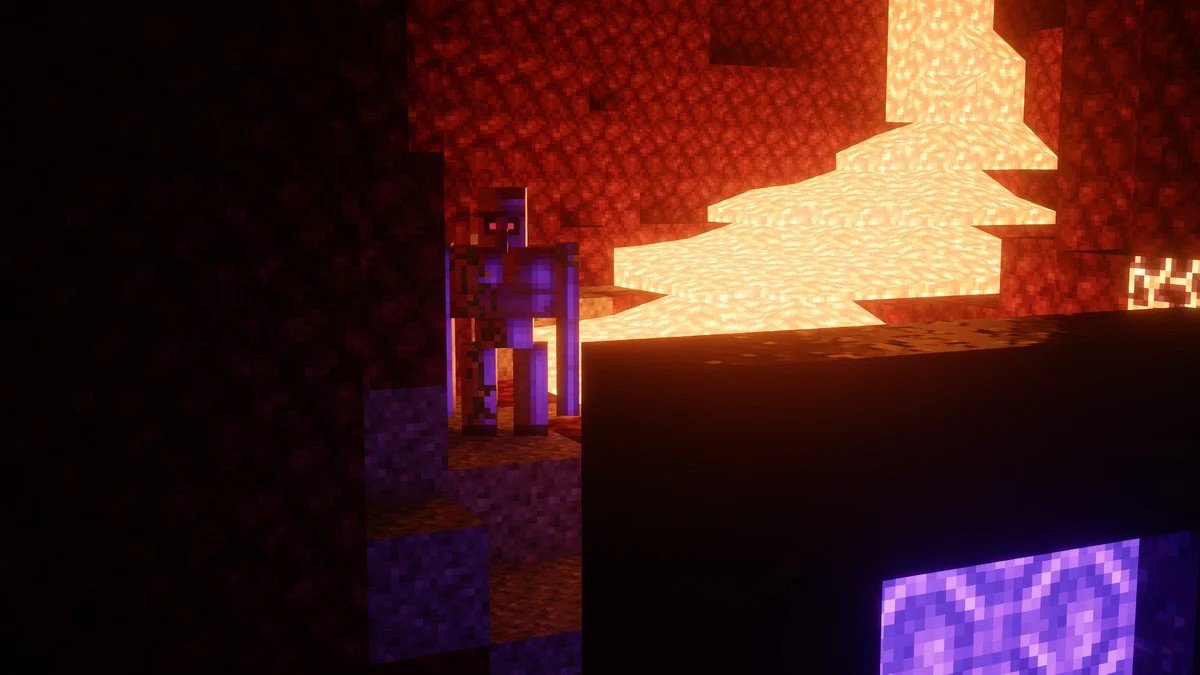
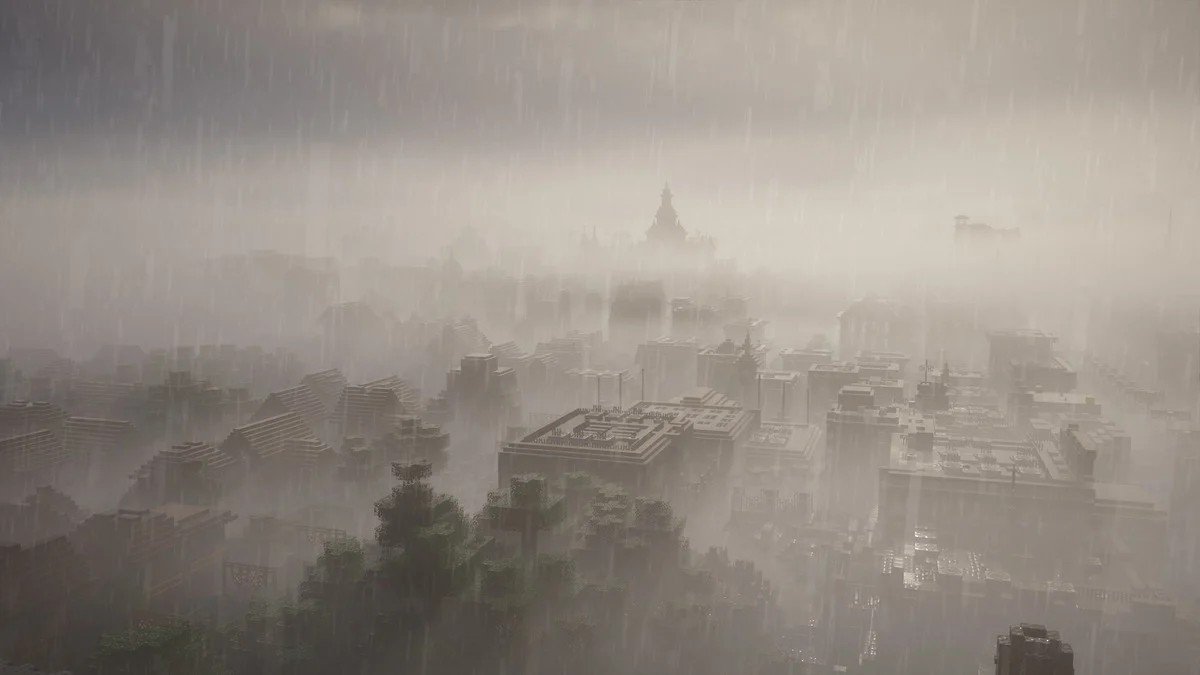
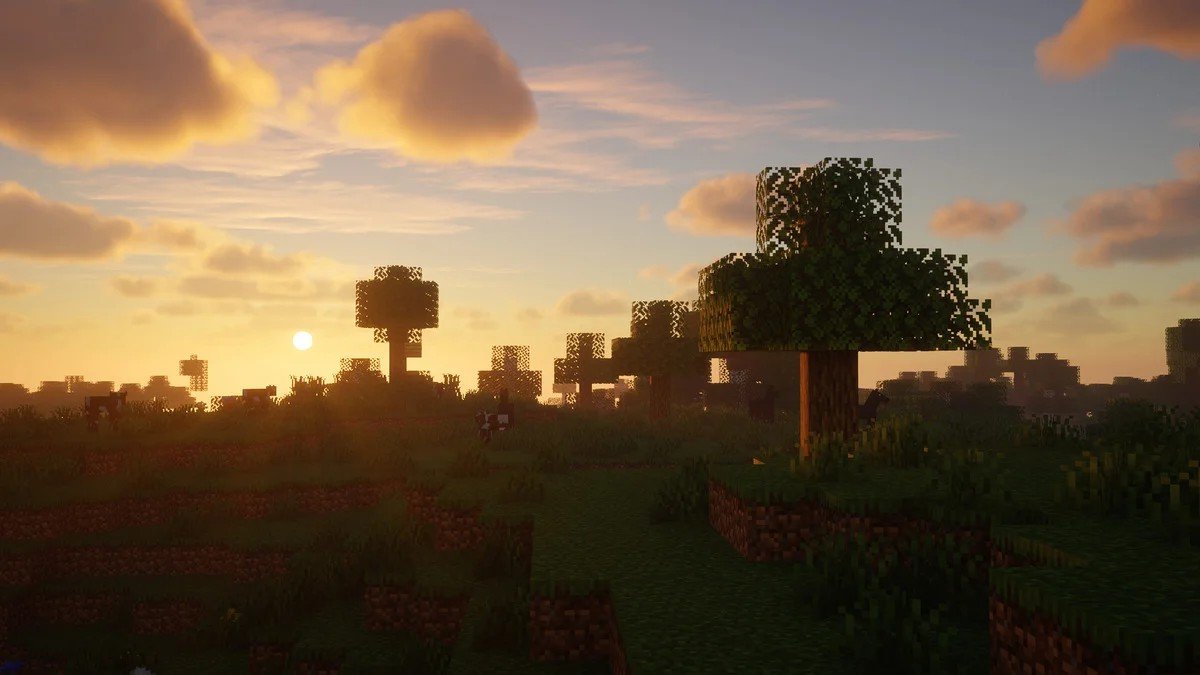
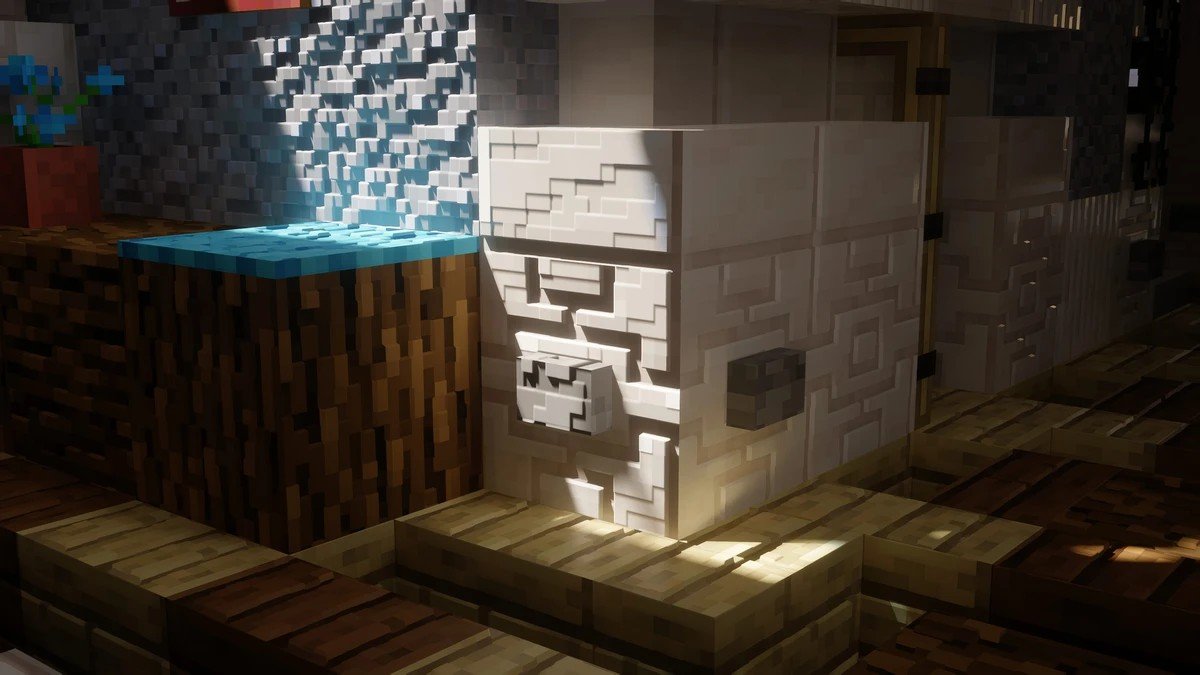
IterationRP is a visual shader pack for Minecraft Java Edition that focuses on stronger lighting, more polished reflections, deeper shadows, and better support for realistic texture workflows. Community documentation describes it as the newer upgrade over IterationT, especially for players who want a more modern, ray-traced look in wood, water, atmosphere, and surface detail.
What makes it especially interesting is not just the shader alone, but how well it fits into the current Java graphics stack. Iris describes itself as an open-source shader mod for Minecraft Java Edition, compatible with OptiFine shader packs and bundled with Sodium for better performance. That makes Iris the cleanest modern way to run shader packs like IterationRP on Java.
Why players use IterationRP
The main reason people look for IterationRP is simple: it pushes Minecraft closer to a showcase-style visual experience. Public shader pages highlight realistic lighting, shadows, water, and reflective surfaces, while PBR-focused resource pack pages repeatedly name IterationRP as a recommended shader for getting the intended look. SPBR lists IterationRP among its verified shaders for LabPBR and parallax support, and ModernArch says IterationRP is used for most of its screenshots.
That matters because good shader results in Minecraft are often about the combination of shader plus resource pack. Bare Bones PBR x128 says its screenshots use IterationRP, and PrettyRealistic PBR recommends IterationRP or HRR 2.1 to achieve the look shown in its gallery.
Best resource packs to pair with IterationRP
IterationRP looks best when it is paired with a PBR-capable resource pack. SPBR specifically says to make sure your shader supports LabPBR and parallax, and it names IterationRP as one of its verified shaders. ModernArch says most of its screenshots use IterationRP, while Bare Bones PBR x128 says its screenshots were captured with IterationRP as well.
That gives you three strong ways to use it. SPBR is a good technical showcase if you want to test parallax and material depth. ModernArch is a strong pick for ultra-clean architecture builds. Bare Bones PBR x128 is useful if you want a stylized look with PBR detail rather than full heavy realism. Those recommendations are based on how the pack authors themselves describe their shader pairing and screenshot setup.
Settings to check for accurate results
A lot of players install a shader and think it looks wrong when the issue is really the settings. SPBR’s setup guide says to turn on LabPBR and parallax support, then check for options like voxel parallax, emission, and subsurface scattering if your shader supports them. Bare Bones PBR x128 also notes that “PBR only” style emissive settings can produce more accurate glow behavior than harder coded emissive options in some shaders.
So if IterationRP looks too flat, too dark, or strangely bright, do not judge it from the first launch. First check whether your resource pack needs LabPBR, parallax, emissive, or similar support toggled on.
Compatibility notes before you install
Current public listings say IterationRP supports Java versions from 1.17 through 1.21.11. Iris itself supports 1.16.5 and above, but it also warns that Distant Horizons and Voxy only work with some shader packs and only when those packs explicitly support them. The IterationRP overview page says it is compatible with Distant Horizons, but that claim comes from a third-party listing rather than official Iris documentation, so it is best treated as something to test carefully on your own hardware.
Iris also says OptiFine, Canvas, and Vulkan mods are incompatible with Iris and can crash the game. For the smoothest setup, keep your rendering stack simple: Iris, Sodium, your shader, and one well-configured resource pack.
Final verdict
IterationRP is a strong choice for Minecraft Java players who want dramatic lighting and better-looking PBR materials without guessing through random shader packs. Its biggest strength is how often PBR resource pack creators point to it as a recommended or verified option. Install it through Iris, pair it with the right pack, turn on the material settings your pack expects, and you will get a much more accurate result than with a default one-click setup.
How to install the IterationRP Shader
- Install OptiFine or Iris: Download and install OptiFine or Iris to enable shader support in Minecraft.
- Download The Shaders: Obtain the shader pack from the official links provided below.
- Place in Shaderpacks Folder: Move the downloaded shader pack file to the
.minecraft\shaderpacksdirectory. - Activate in Minecraft: Launch Minecraft, go to Options > Video Settings > Shaders, and select The Shaders from the list.
✅ None of the files are hosted on our server. All direct download links on our website are official authors links. The packs are free of viruses. Therefore, they are completely safe and secure.
✅ Please share this post on social media.
✅ Are there any thoughts you’d like to share? Please write a comment and rate the pack.