Alacrity Texture Pack by Satellence for Minecraft Java
Alacrity is a 32x Minecraft resource pack by Satellence that reworks the game with a more detailed, fantasy-leaning style while keeping the world recognizable. The official project pages describe it as a 32x pack with “crazy attention to details,” and the creator’s own site frames it as a full retexture built around richer visuals rather than a completely different-looking game.
What makes Alacrity different
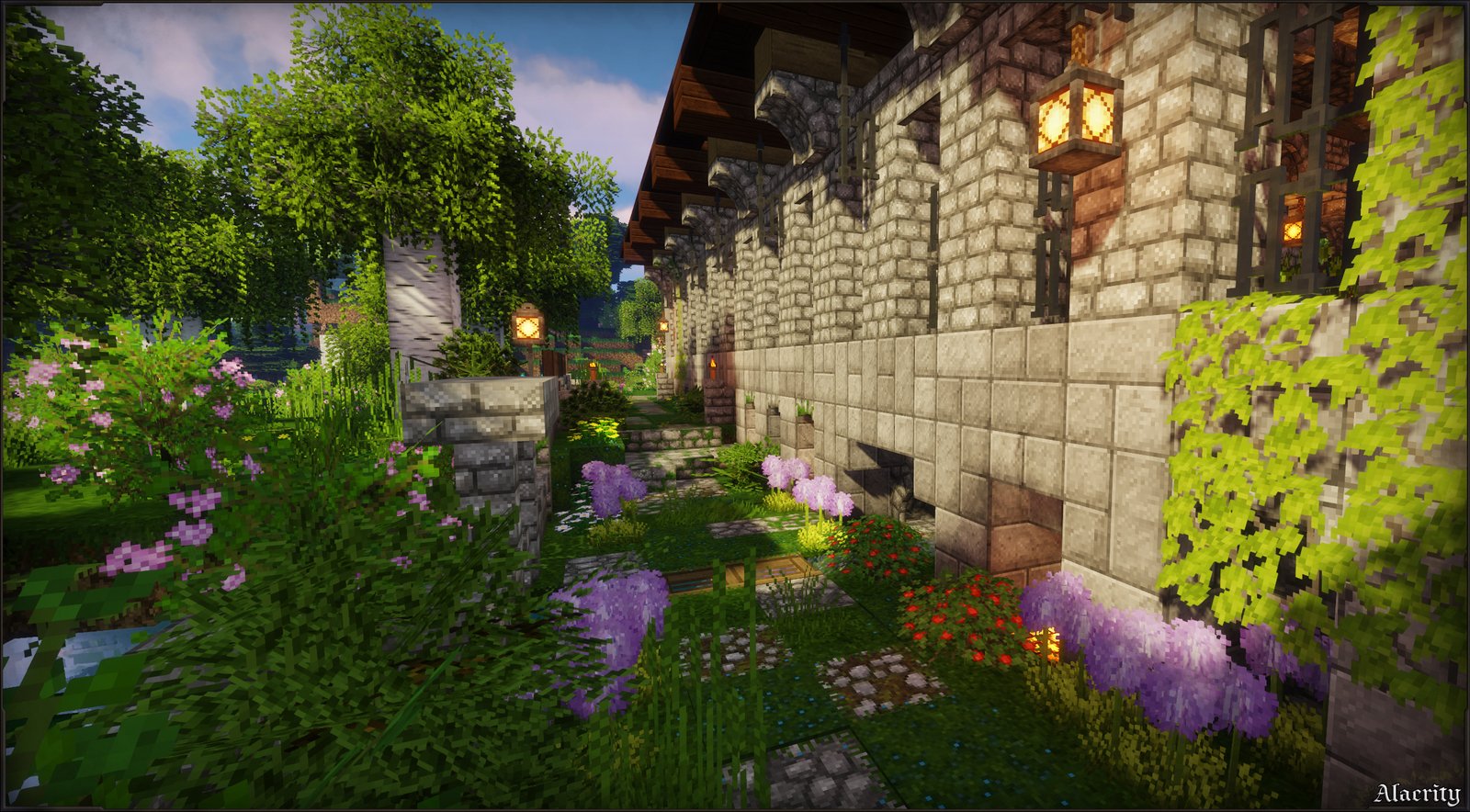
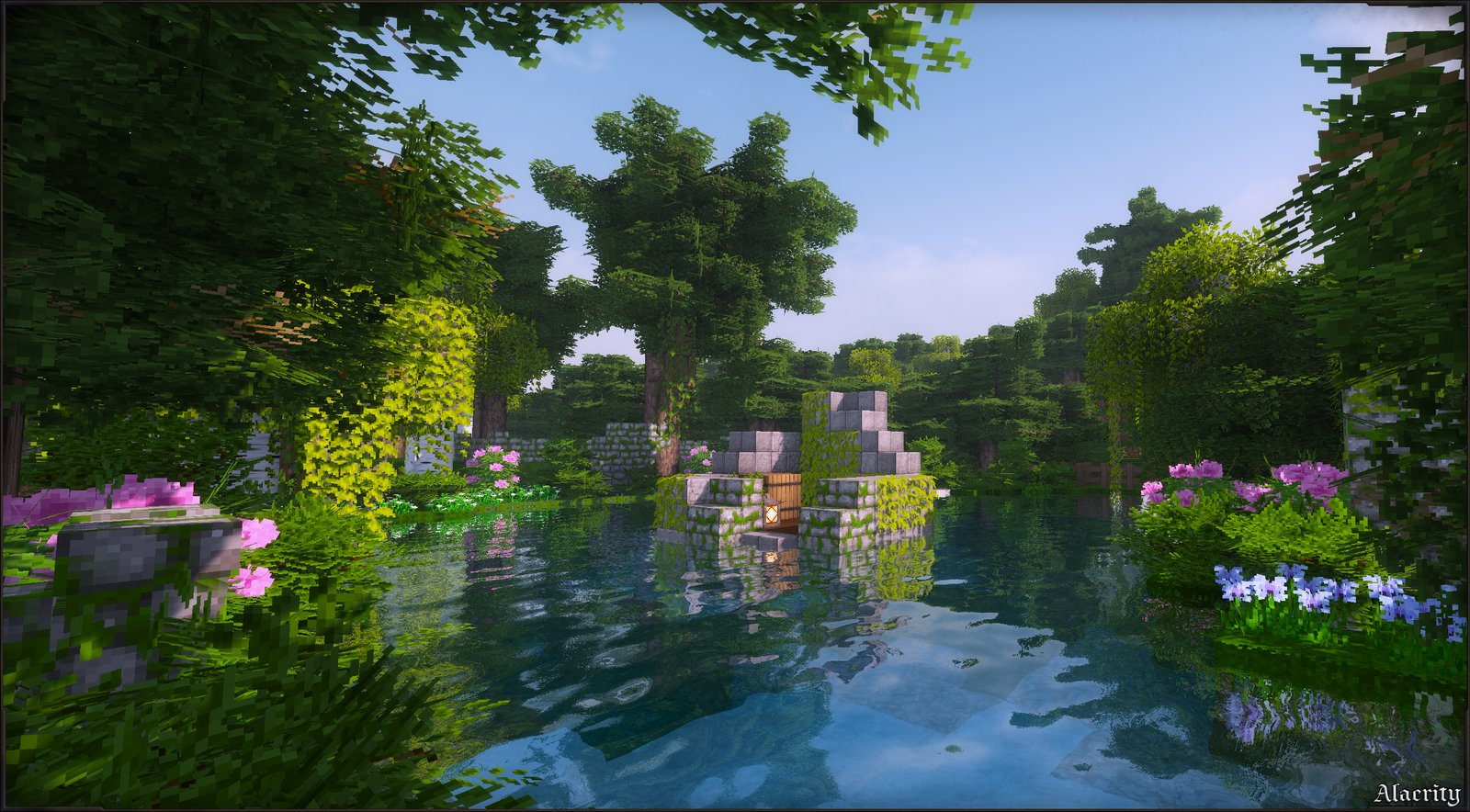
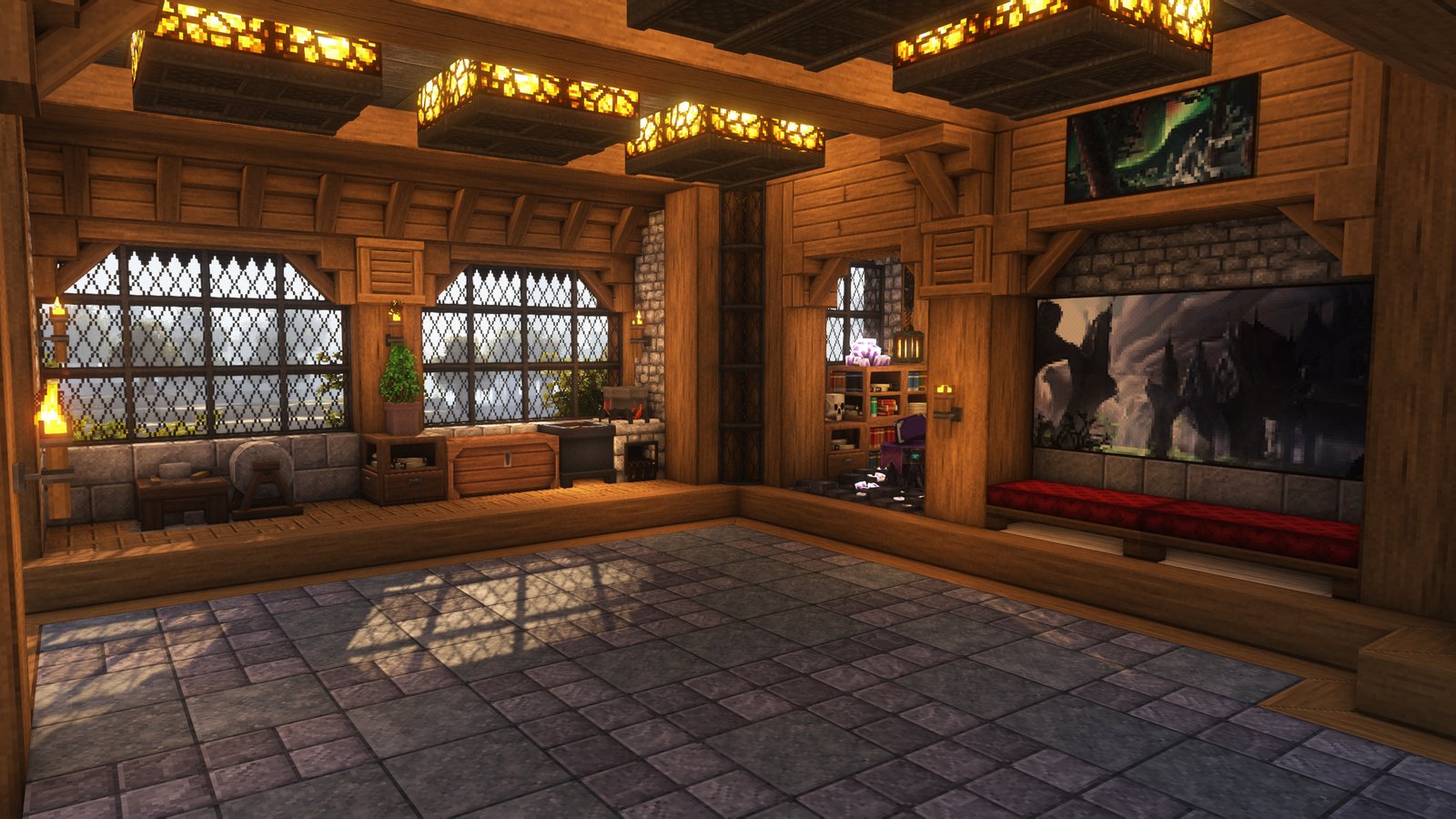
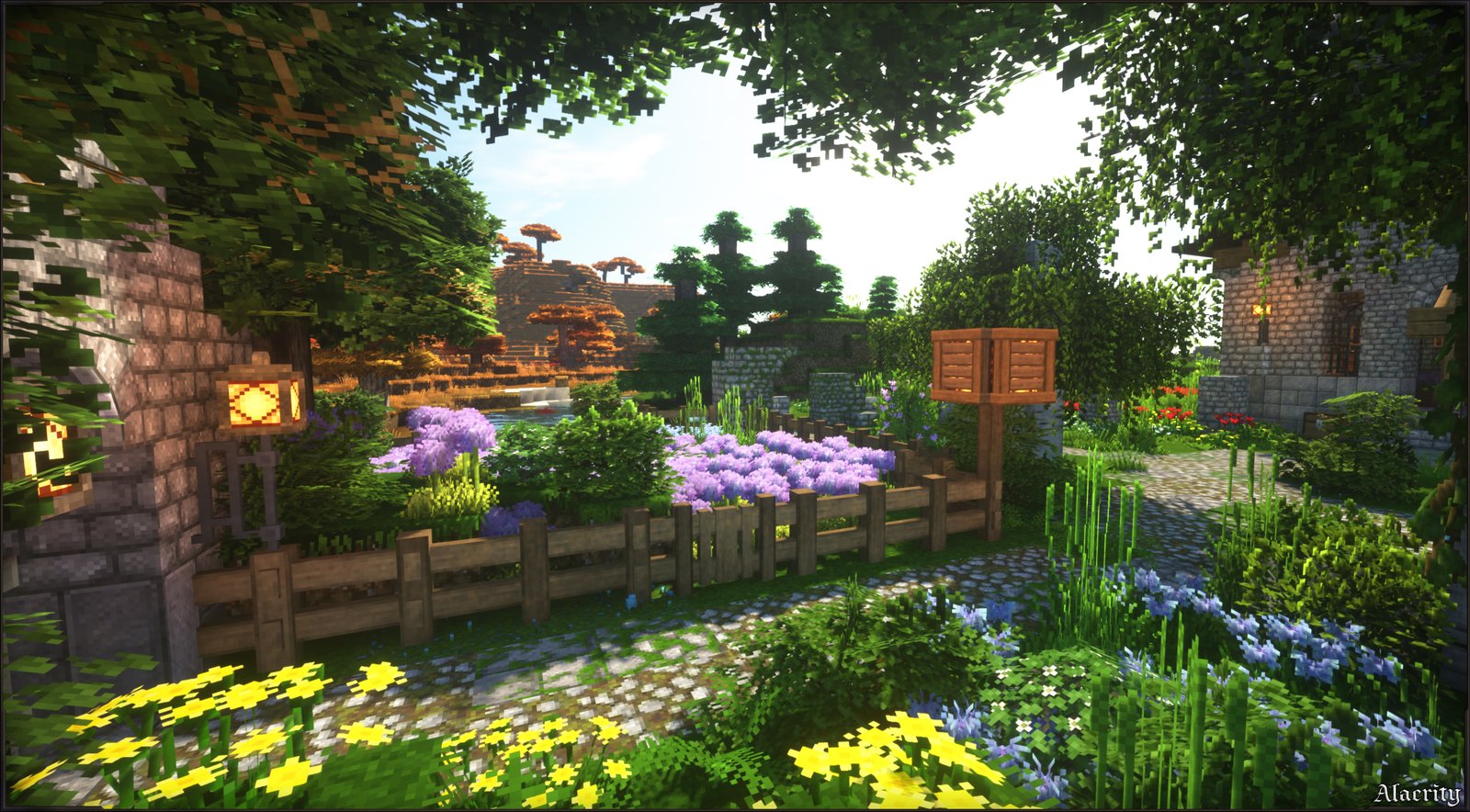
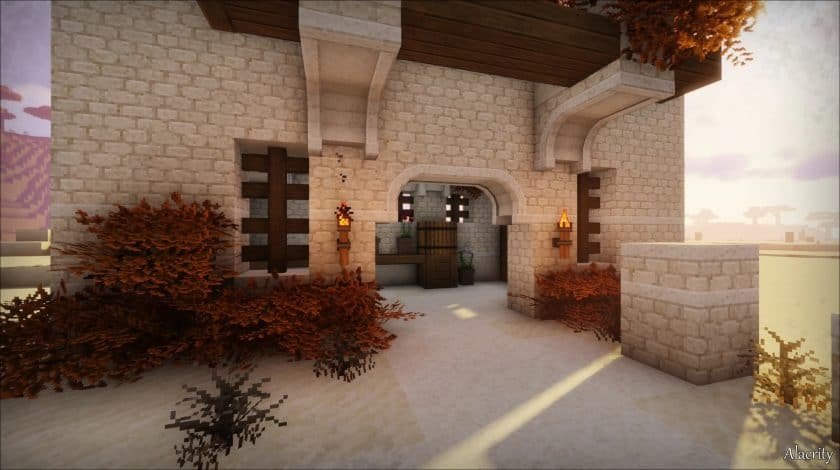
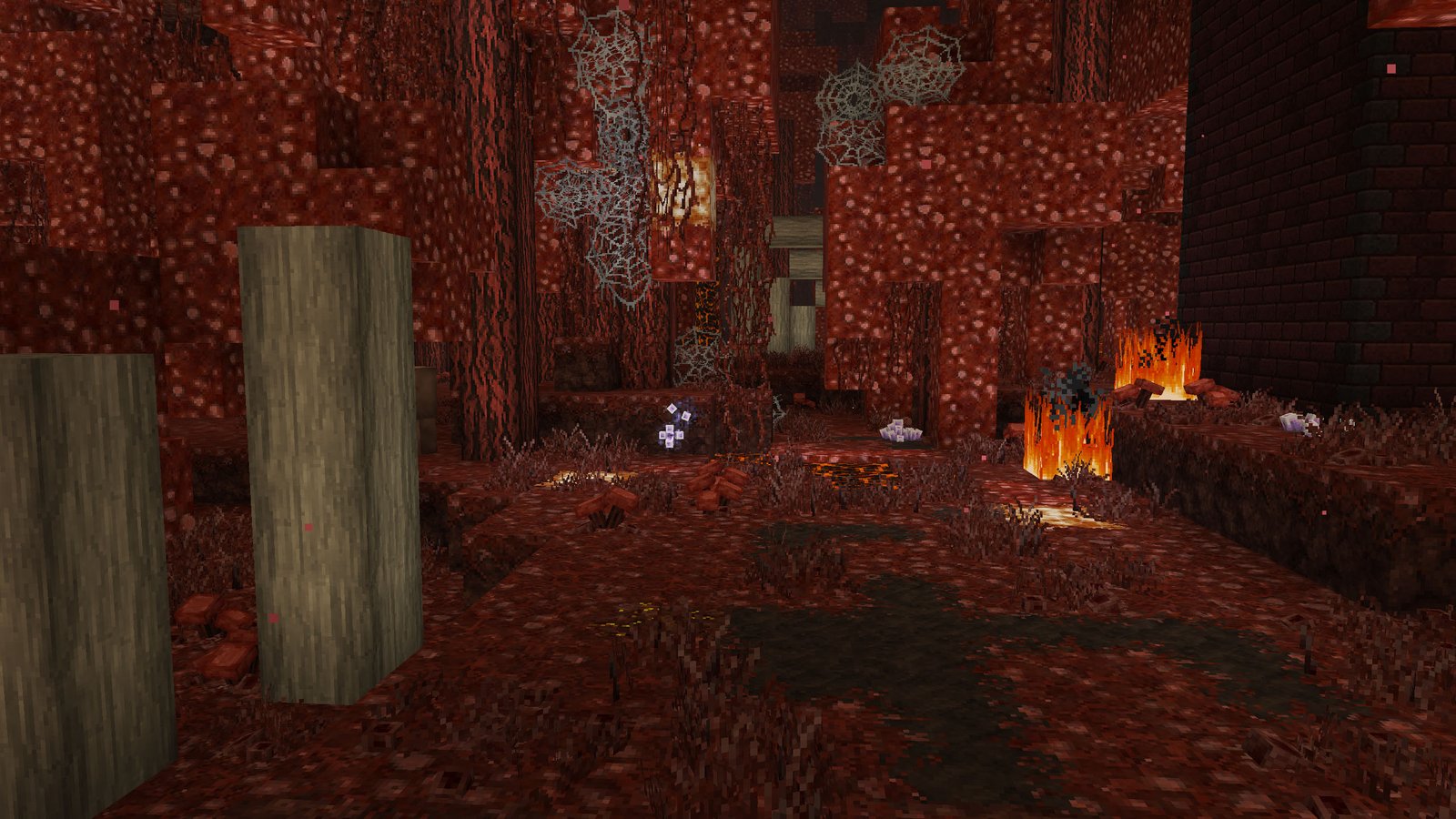
The strongest part of Alacrity is its art direction. Satellence says the pack was shaped by a love of RPGs, medieval worlds, and magic, with inspirations including Warcraft, Harry Potter, Gothic, and The Elder Scrolls. That design direction shows up in the pack’s warmer building textures, hand-crafted vegetation, and more atmospheric block styling, which makes Alacrity feel more adventurous and lived-in than vanilla without becoming unreadable.
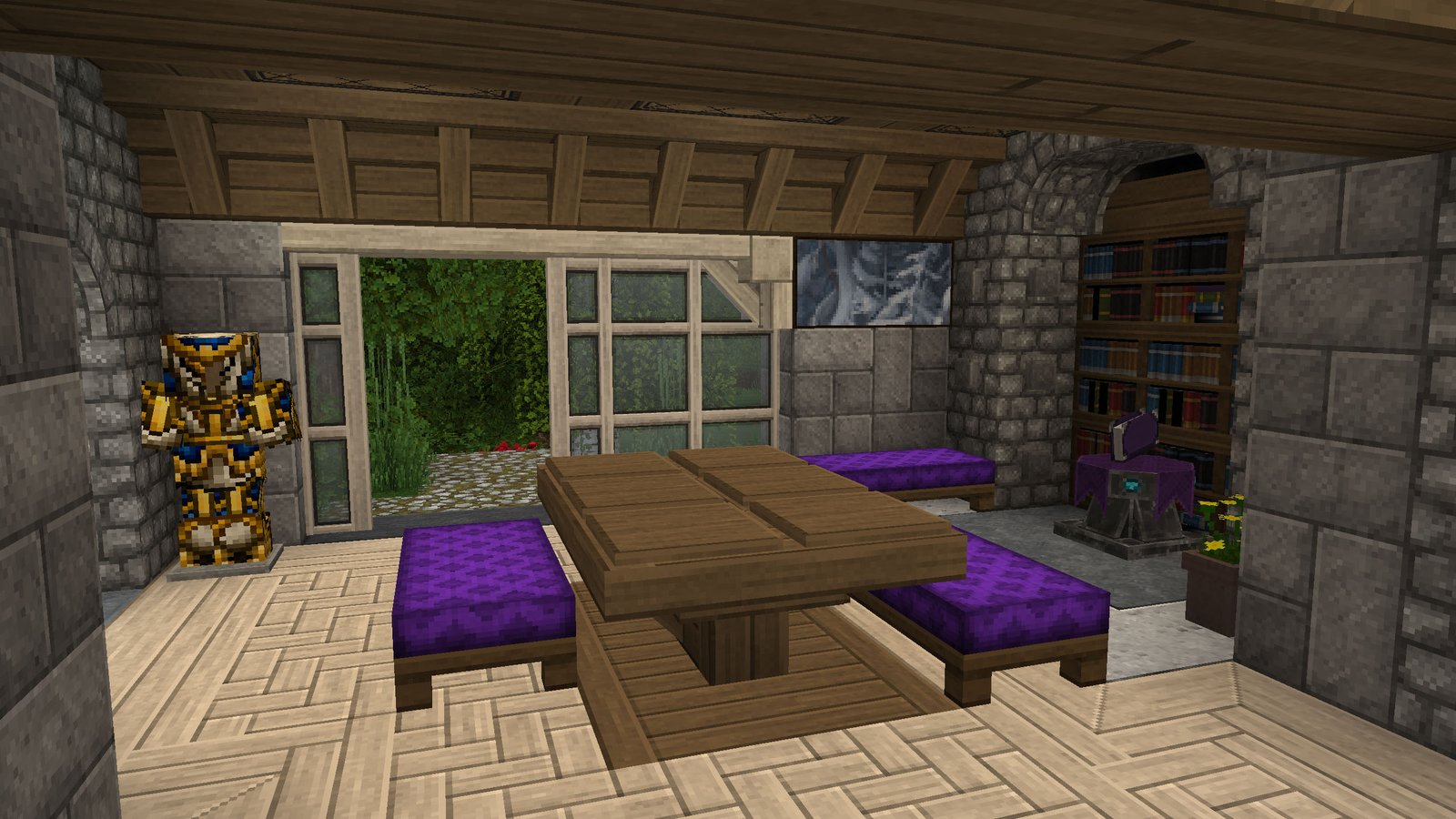
Alacrity is also not just a simple recolor pack. According to the creator’s official description, it includes a full 32x retexture, custom 3D models for blocks and mobs, block texture variation, and extensive use of connected textures and overlays. In practical terms, that means many surfaces look less repetitive, walls and natural blocks feel less flat, and the world gains more shape and texture variety during normal play.
Core features of Alacrity
Alacrity focuses on detail in ways that are easy to notice while playing survival or building maps. The official description highlights these main elements:
- 32x full retexture that keeps Minecraft familiar but more refined.
- Medieval and fantasy-inspired styling rather than a modern or ultra-realistic look.
- Lush vegetation with a more handcrafted appearance.
- Custom 3D models for blocks and mobs, which add extra shape and visual depth.
- Rich texture variation, so repeated blocks do not all look exactly the same.
- Connected textures and overlays, which help surfaces blend more naturally.
Together, these choices make Alacrity especially appealing for players who like fantasy towns, medieval builds, RPG-themed adventure maps, and modded worlds with more atmosphere. That last point is partly an inference, but it follows directly from the pack’s official styling and CurseForge category tags such as Medieval, Traditional, and Mod Support.
Alacrity’s visual style in simple terms
If vanilla Minecraft feels too plain but many realistic packs feel too heavy or too far from the original game, Alacrity sits in a useful middle ground. It is more decorative and expressive than vanilla, yet it still preserves Minecraft’s readability. The creator specifically describes it as “still familiar, but feeling brand new,” which is a good summary of what the pack is trying to achieve.
That makes Alacrity a strong fit for players who want more mood and detail without turning Minecraft into something photorealistic. Its fantasy-medieval direction also gives it a more timeless look than trend-based packs that chase realism alone. This is an interpretation of the pack’s presentation, but it is well supported by the creator’s own description and category tags.
Version support and platform
Alacrity is listed for Minecraft: Java Edition on Modrinth, with compatibility shown for 1.15.x, 1.16.x, 1.17.x, 1.18.x, 1.19.x, 1.20.x, 1.21.x, and 26.1.x. On CurseForge, the current main file is Alacrity Update #37.1 (hotfix) for 26.1.2, released on April 12, 2026, with recent files also shown for 1.21.11 and 1.21.10.
This broad version coverage is one reason Alacrity has stayed relevant for several years. Both Modrinth and CurseForge show the project as having been published about four years ago, while the latest official files show that it is still being maintained.
Recent development and update activity
Alacrity is not abandoned. The official changelog on the creator’s site shows Update #37 on April 12, 2026 and Update #36 on February 28, 2026. Update #37 mainly focused on internal changes and compatibility work, including more texture-atlas replacement for better compatibility with some mods, while Update #36 reworked plank textures, expanded connected-texture behavior for planks, reworked villagers, and added Dynamic Trees leaves compatibility.
That matters because it shows Alacrity is being actively refined, not just left online for downloads. It also supports CurseForge’s description of the pack as a 32x project focused on modded Minecraft, since the recent changelog clearly includes compatibility work for modded use cases.
Optional add-ons
The official Alacrity site also lists optional add-ons that let players tweak the experience. Current examples include Curved Slopes, Female Villagers, Female Villagers Sounds, Gray Gravel, Lit Held Torch, MQ Leaves, and Wooden Stairs Slopes. These are useful because they let players keep the base pack while adjusting specific visuals or performance-related details.
Who should use Alacrity
Alacrity is best suited to Minecraft Java players who want a world that feels more handcrafted, atmospheric, and fantasy-inspired without losing the game’s core identity. It makes the most sense for medieval builders, RPG-style survival players, and anyone who spends a lot of time in modded environments where visual cohesion matters. That recommendation is an inference, but it matches the pack’s official focus on detail, modded play, medieval styling, and RPG inspiration.
Final take
Alacrity by Satellence is one of the more polished 32x Minecraft Java texture packs for players who want detailed fantasy-medieval visuals instead of either plain vanilla textures or hyper-realistic replacements. Its combination of full retexturing, custom models, connected textures, ongoing updates, and optional add-ons gives it both style and staying power
How to install Alacrity Texture Pack
- Download and install OptiFine.
- Download the texture pack that is compatible with your game version and Minecraft edition.
- Launch Minecraft.
- Click on “Options” in the main menu.
- In the options menu, go to the submenu “Resource Packs”.
- Click on “Open Pack Folder” at the bottom left.
- Move the downloaded ZIP file into your resourcepacks folder.
- You will see the pack on the left half of the resource pack screen.
- Move the cursor to the pack logo and click the arrow pointing to the right.
Click on “Done”.
✅ None of the files are hosted on our server. All direct download links on our website are official authors links. The packs are free of viruses. Therefore, they are completely safe and secure.
✅ Please share this post on social media.
✅ Are there any thoughts you’d like to share? Please write a comment and rate the pack.